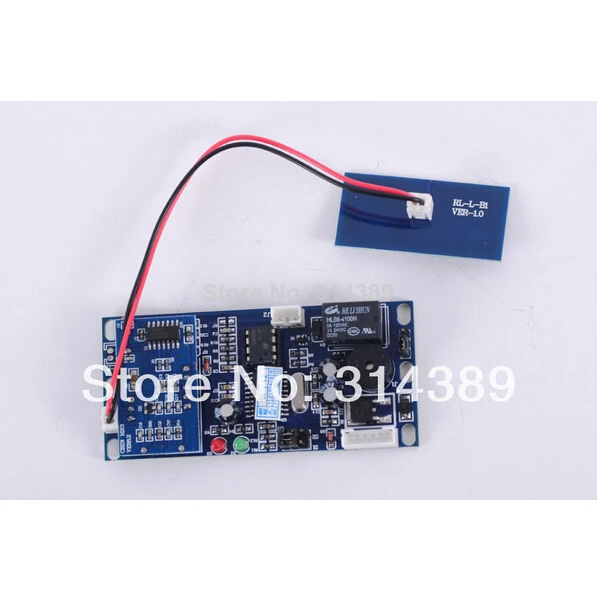
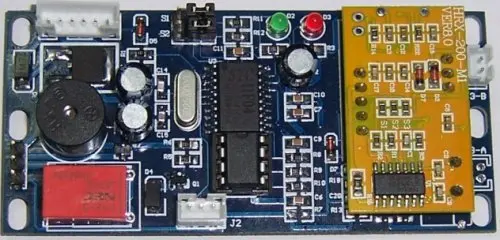
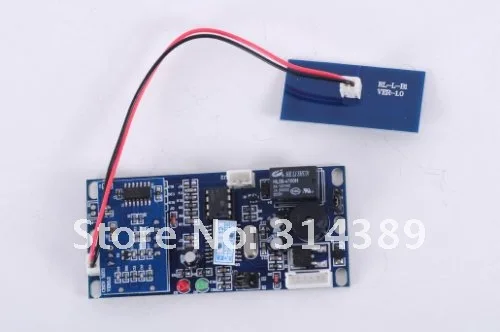
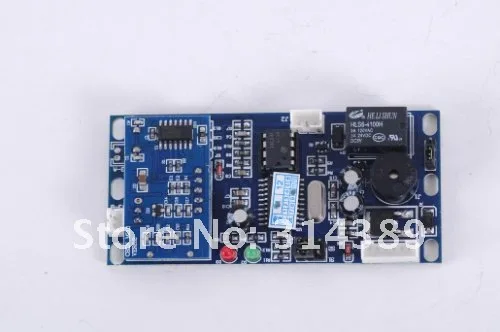
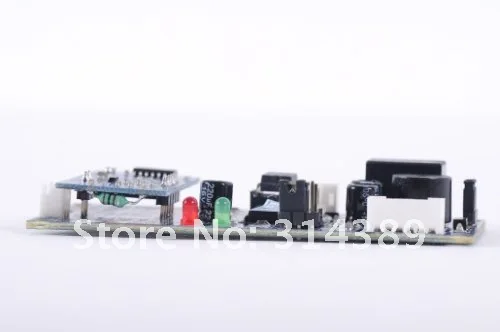
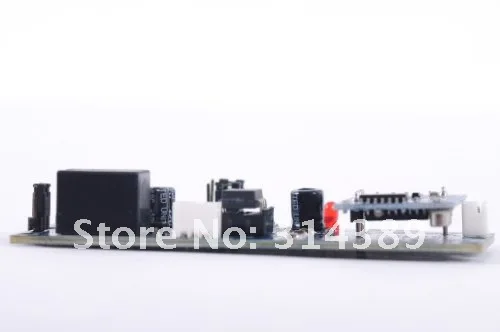
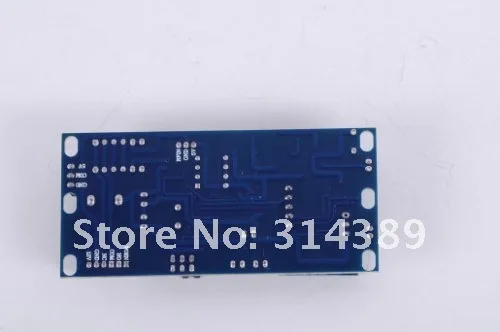
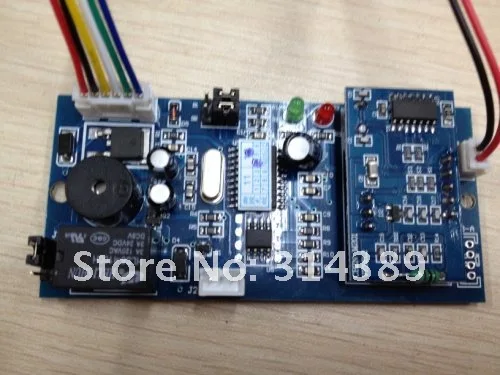
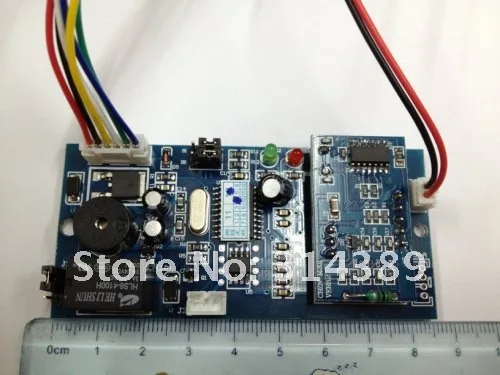
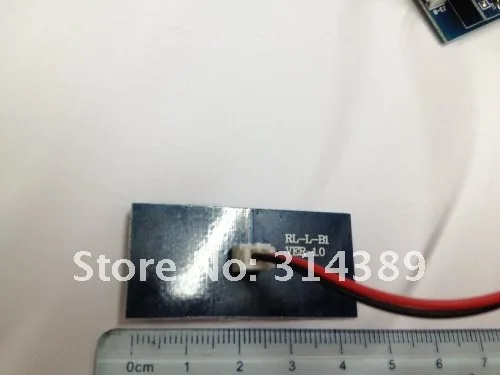
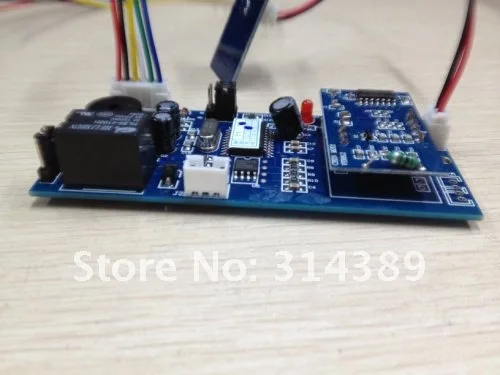
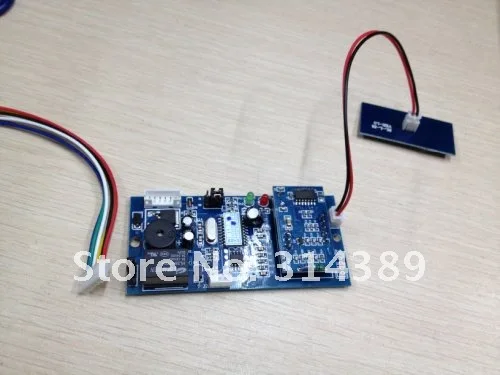
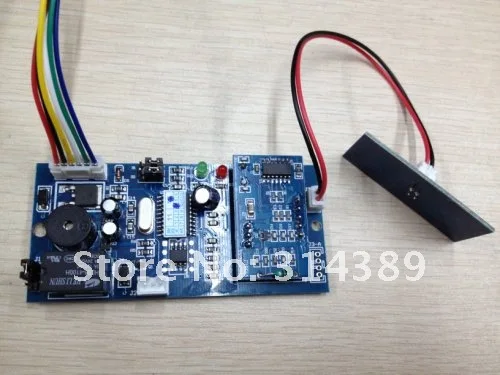
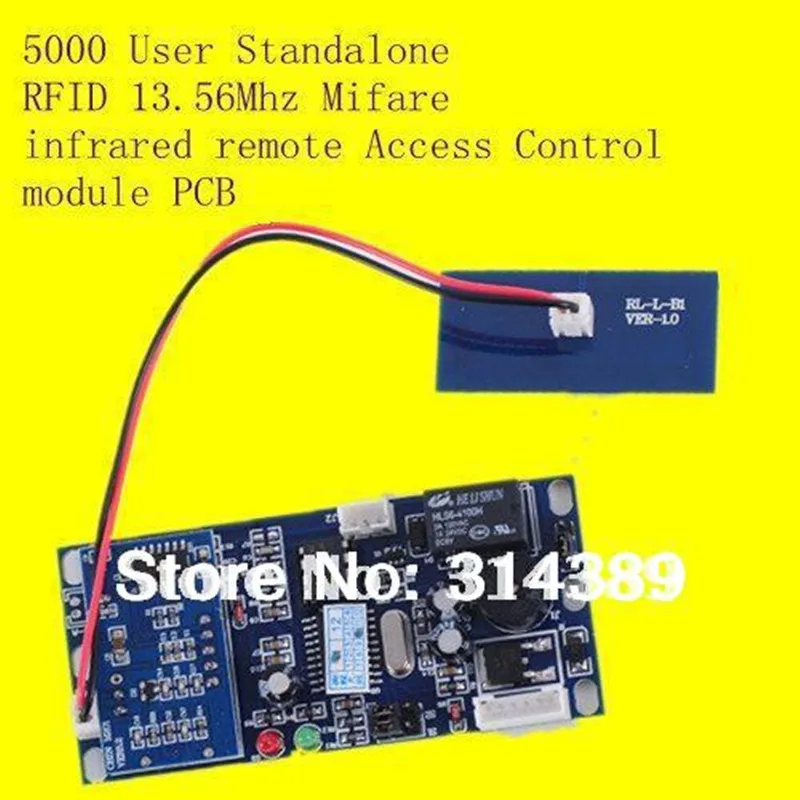
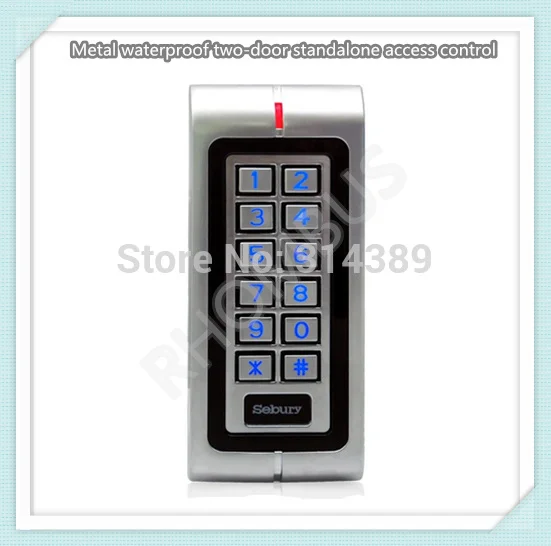
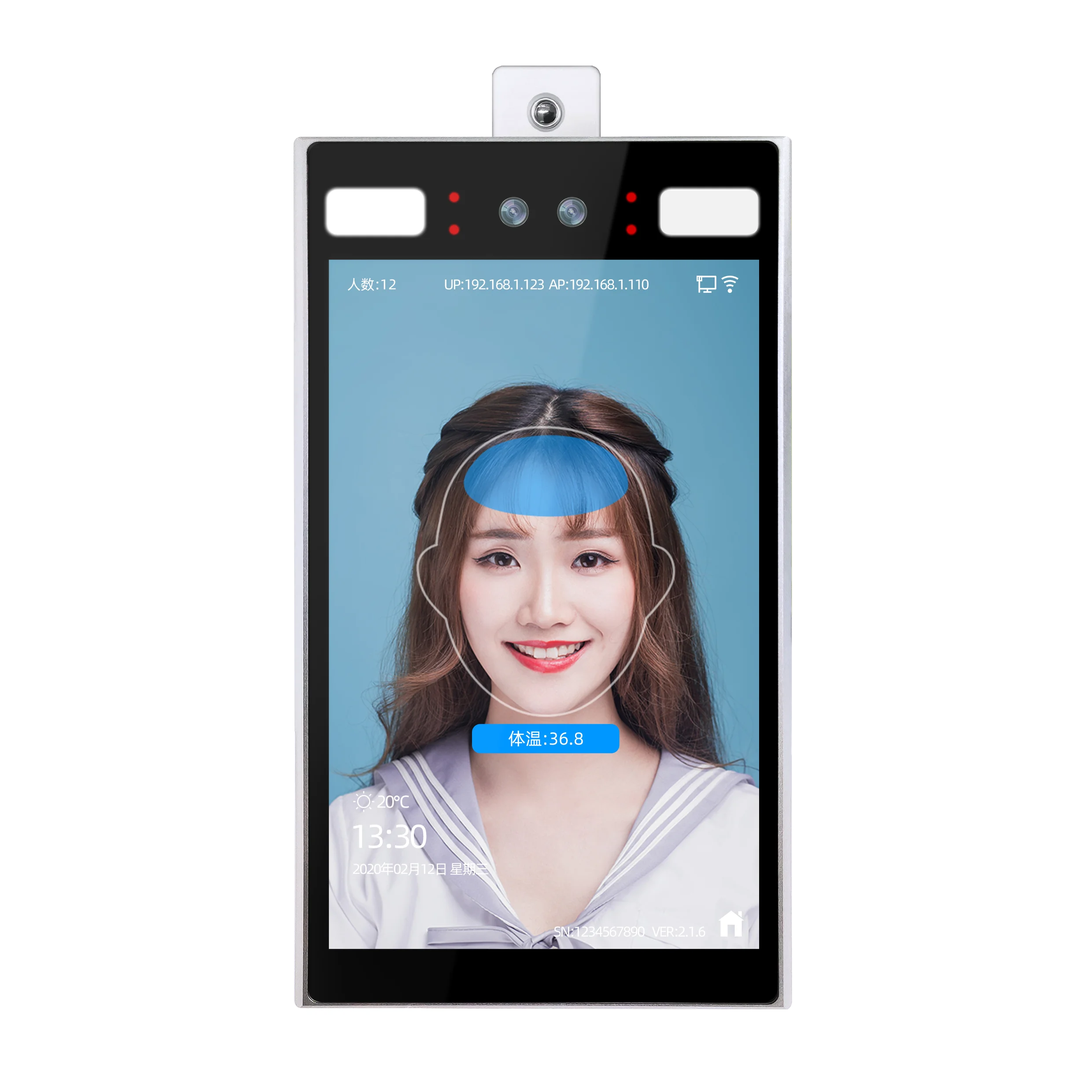
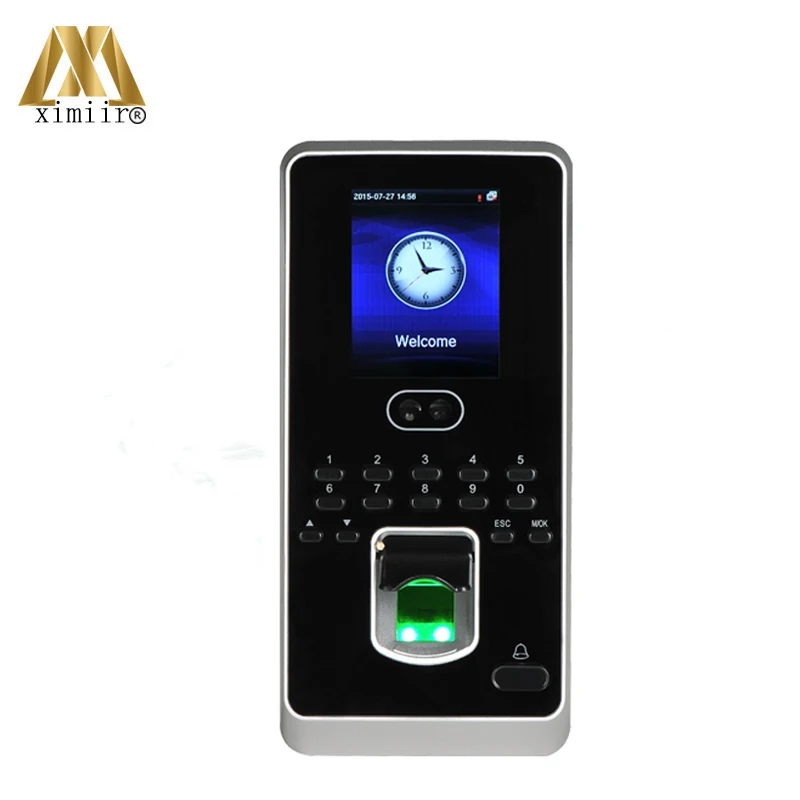
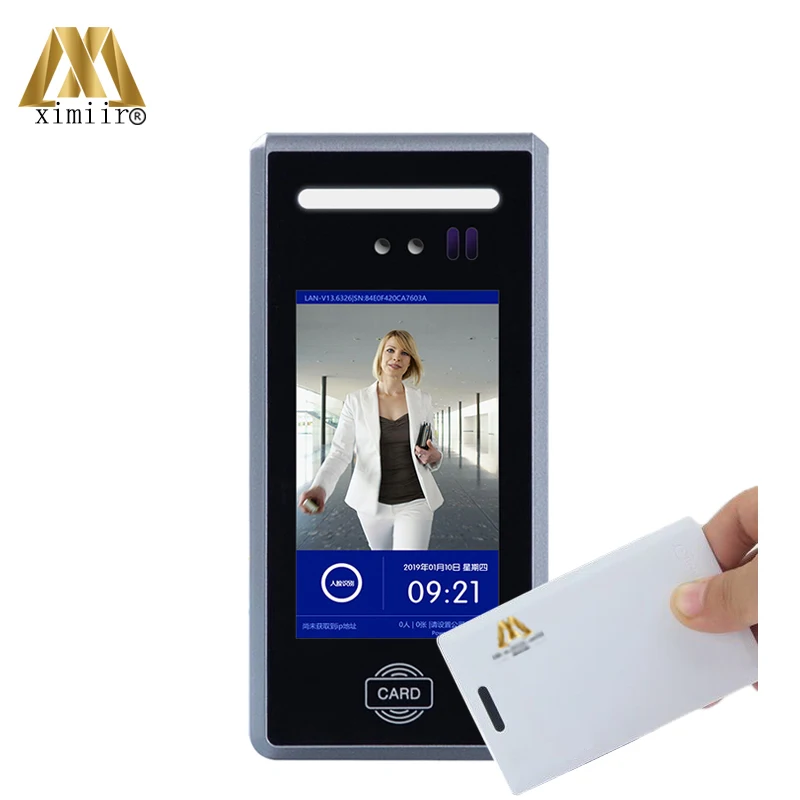
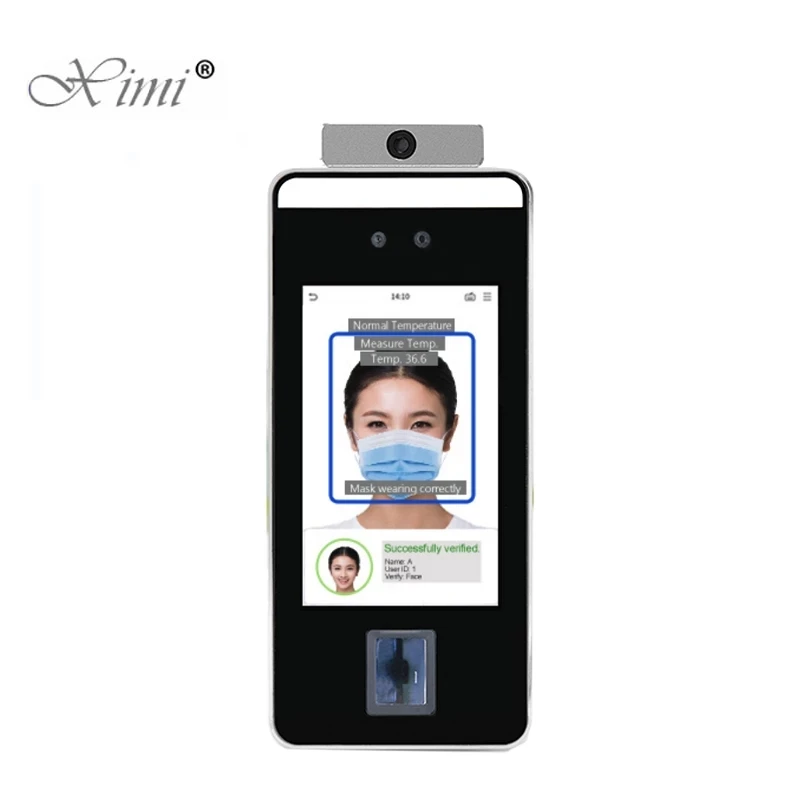
Each module has an infrared remote and 2 pcs of sample cards come with.If you need more remotes or cards,please let me know.
CB-MA access control
Specifications:
Working Frequency:13.56MHz
Power Supply:DC 9~12V
Current:60mA~80mA
Rated Power:≤ 1W
Read Range:5~10cm
Card Capacity:5000
Temperature:<60 degree
Humidity:10% ~ 95% R.H
Size:86*34*12mm
Outdoor Button:1
Sensor Input:1
Electric Lock Output:1
Application Field:building intercom,lift
Package Included:
1x Access Controller
2x Master Cards
1x Cable
1x manual
1x Infrared
Pictures:
manual
:
1:parameter
| Voltage | DC 9-12V |
| Current | 60mA~80mA |
| Swiping Range | 5~15cm |
| Operation temperature | -40
~60 |
| capacity | 5000 Users |
| Card type | compatible IC card(MF1 S50/70) |
2:Wiring
J1
| Wire No. | Wire color | Symbol | Description |
| 1 | Red | +12V | +12V |
| 2 | Black | GND | ground |
| 3 | Yellow | NC | Relay Normal Close |
| 4 | White | NO | Relay Normally Open |
| 5 | Green | COM | Relay common port |
| 6 | Blue | OPEN | Exit button(low level available) |
J2
| Wire No | Wire color | Symbol | Description |
| 1 | Green | 5V | 5V |
| 2 | White | GND | GrounD |
| 3 | Black | DATA | DATA |
J3-B
| Wire No | Wire color | Symbol | Description |
| 1 | Red | TX1 | Antenna pin1 |
| 2 | Black | TX2 | Antenna pin2 |
3:
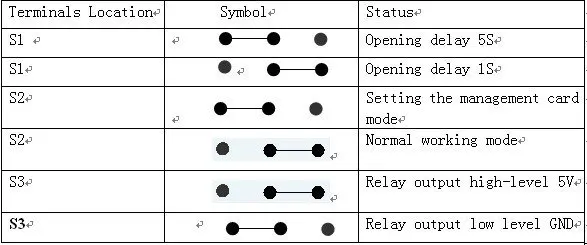
Short-circuit terminals description
4:
Operating Instructions
How to make a management card
1 Power off,S2 Short circuit to 0,then,Power-on.Red and Green Flash alternately
2 Read two cards,Green LED flashs.
3 the first card is management card and the second one is deleting card.
How to Enroll user cards
4 Read management card,the green LED is flickering
5 Read unregistered cards one by one
6 Read the management card again to complete the operation.
How to delete user cards
7 Read the deleting card,Red LED flickering.
8 Read the user cards those should be deleted one by one.
9 Read deleting card again to complete the operation.
How to delete all the user cards
10 Read the deleting card,Red LED flickering.
11 Read the management card.
12 Wait for 5 Seconds until Green LED on,meantime all the user cards deleted.
Infrared operation
:
Enter the operation system:Press 1234 CALL
Enroll cards:Press 1,Green Flickerring,swipe new cards one by one
Delete cards:Press 3,Green Flickerring,swipe cards to be deleted one by one
6
.Infrared instructions
| Enrollcard number | Press 0--Green light--PressXXXXXXXX CALL (XXXXXXXX is the number printed on the card) |
| Deleted card number | Press 2XXXXXXXXXX CALL |
| Delete all the cards | Press 4 CALL-- a few seconds later -- beep -- deleted. |
| Door normally open | Press 5 CALL |
| Door normally close | Press 6 CALL |
| Open door for once | Press 7 CALL |
| Change the Password | Press 8XXXX CALL |
| Exit operation system | Press EXIT or Automatically exit if 10s without any operation |
Picture Size:34*86MM